1988-1991 Chevy OBS Gauges – Dakota Digital’s RTX System
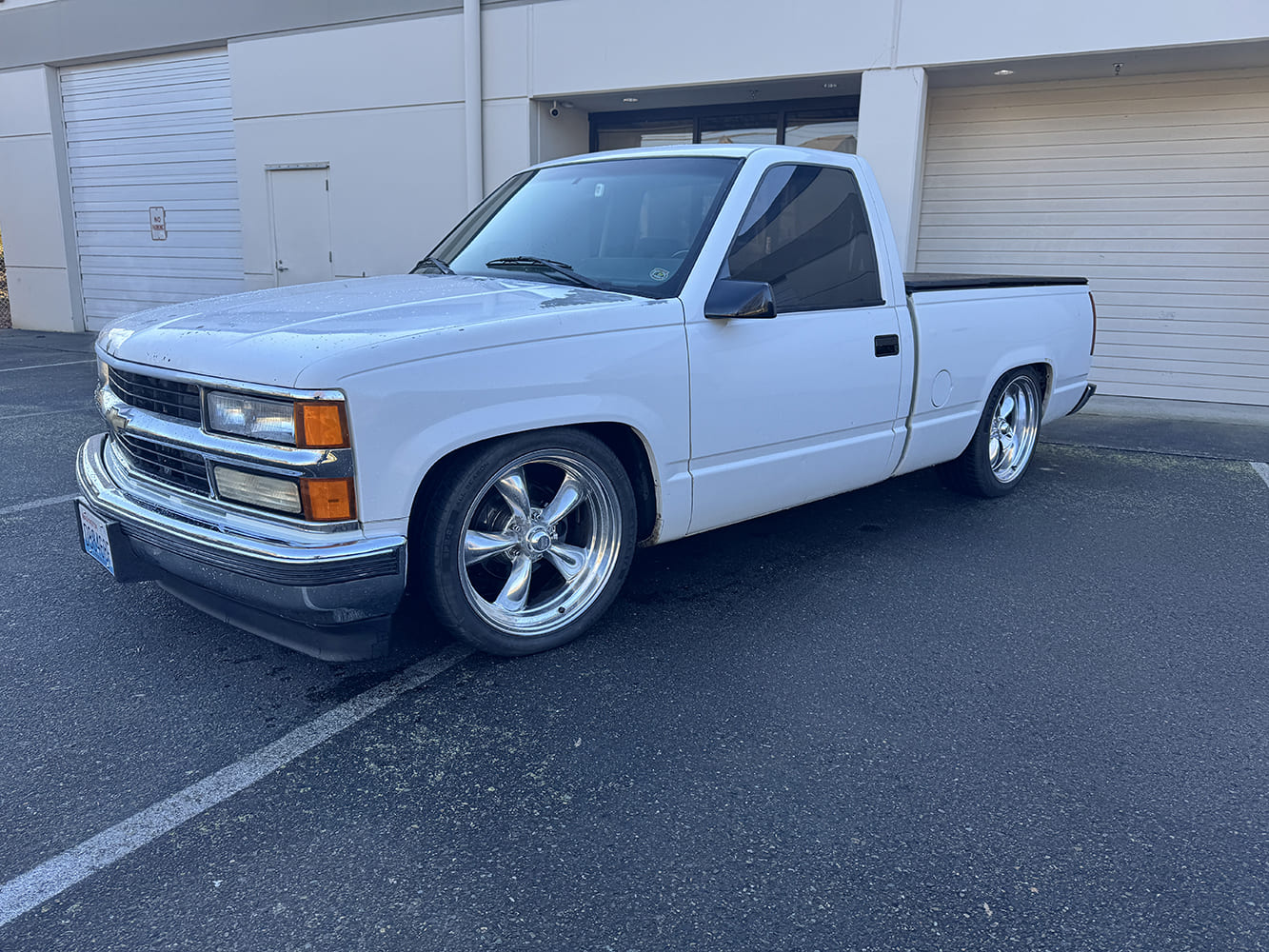
A well-worn shop truck with an old-school LT1 swap is the recipient of Dakota Digital’s latest release for the OBS market. The RTX is pure ’90s revival—only better.
By Chris Holstrom – Images by the Author
Dakota Digital’s latest release for the Chevy OBS market is the perfect performance upgrade for a truck platform that is quickly approaching four decades since its debut. The 1988-91 GM trucks have moved beyond basic work-truck status and are now being built as serious street trucks, cruisers, and swap candidates. With their clean styling, simple interiors, and huge aftermarket support, these early OBS trucks have earned their place in the classic truck market.
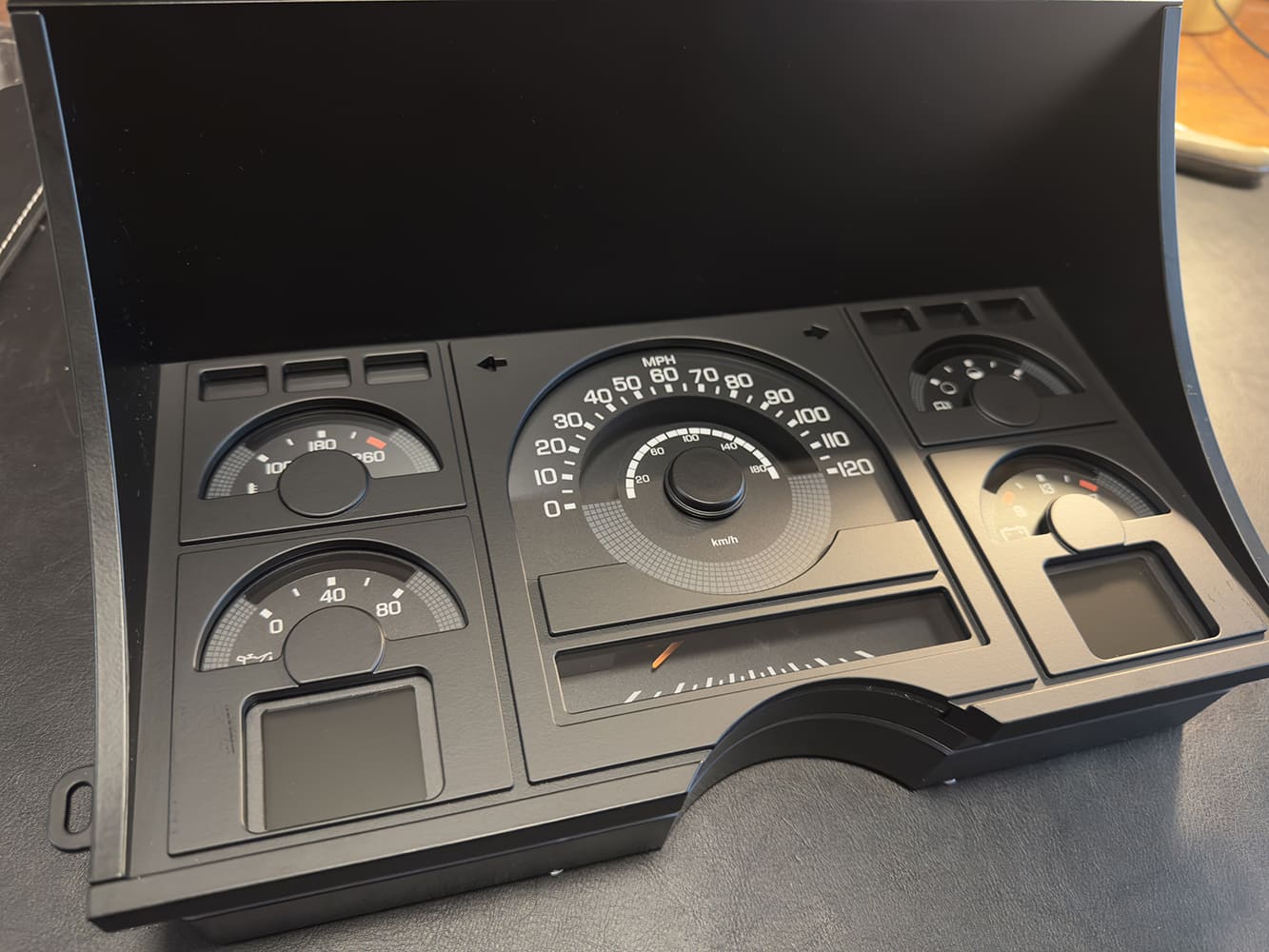
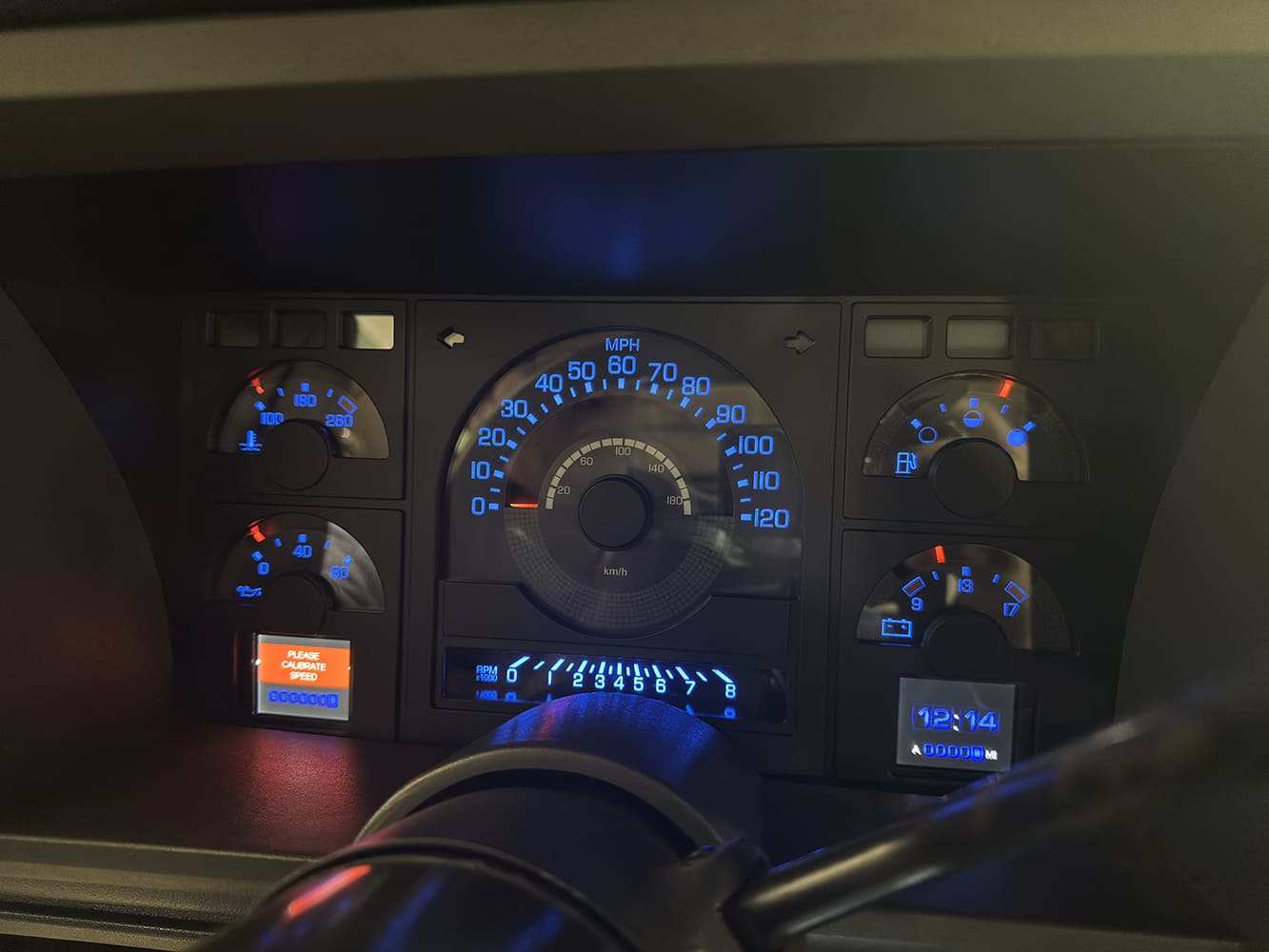
The Dakota Digital RTX cluster for the 1988-91 OBS is a work of art. At first glance, it can easily be mistaken for an original factory dash.
The RTX Series is a great fit because it does not try to reinvent the look of the dash. Instead, Dakota Digital designed the cluster with modern technology while paying homage to the original factory gauge layout. At first glance, the RTX cluster could easily be mistaken for an original GM unit, but behind the face is modern accuracy, programmable displays, LED lighting, and app-based setup. Dakota Digital did not disappoint in replicating the space-age look of the original 1988-91 gauges. In simple terms, it is totally ’90s—only better.
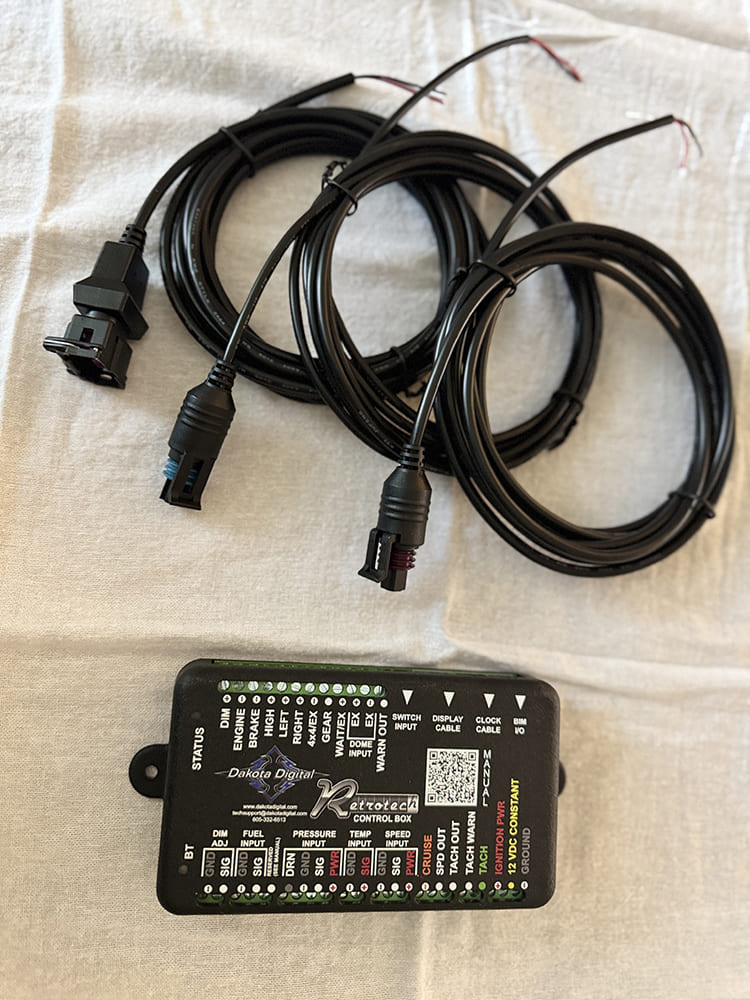
The RTX control unit and sensor wiring feed the dash unit through a single data cable. The harnesses supply feedback from the water temperature, oil pressure, and speed sensors.
This kind of upgrade makes even more sense on a truck that has been engine- or transmission-swapped. Many OBS trucks now run LS, LT, small-, or big-block power backed by modern transmissions. These drivetrain combinations do not always communicate cleanly with the original gauge cluster. The RTX system helps solve that with dedicated sensors, a compact control box, and a single data cable feeding the dash. It also gives the installer an opportunity to clean up old wiring, correct speedometer issues, and bring reliable gauge readings back to a truck that may have decades of modifications behind it.
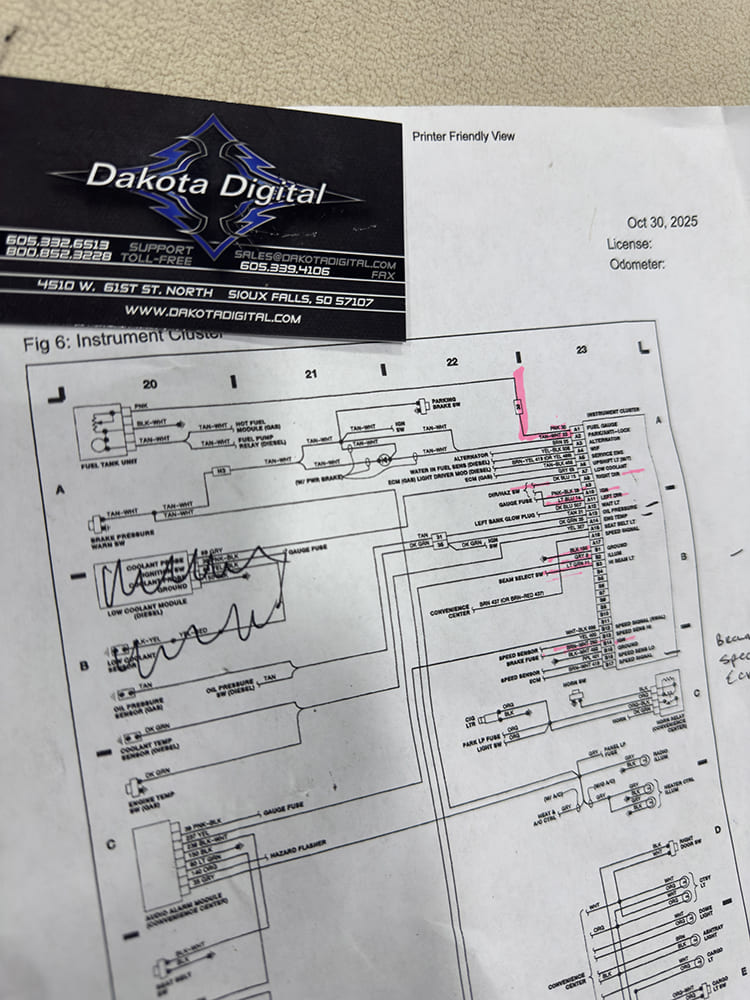
Before tackling the RTX install, it is recommended to source a factory wiring diagram to identify the additional dash inputs needed.
The installation is straightforward, but it still rewards patience and clean workmanship. Dakota Digital provides excellent instructions and setup diagrams, and the kit includes nearly everything needed for the swap, including metric sensor adapters for LS- and LT-swapped trucks. The job can be completed in a weekend by someone with moderate mechanical and wiring skills, but care should be taken with brittle interior plastics, firewall pass-throughs, sensor routing, and power connections. Done correctly, the finished result keeps the original OBS personality intact while giving the driver the modern information and reliability expected from a performance-built truck.
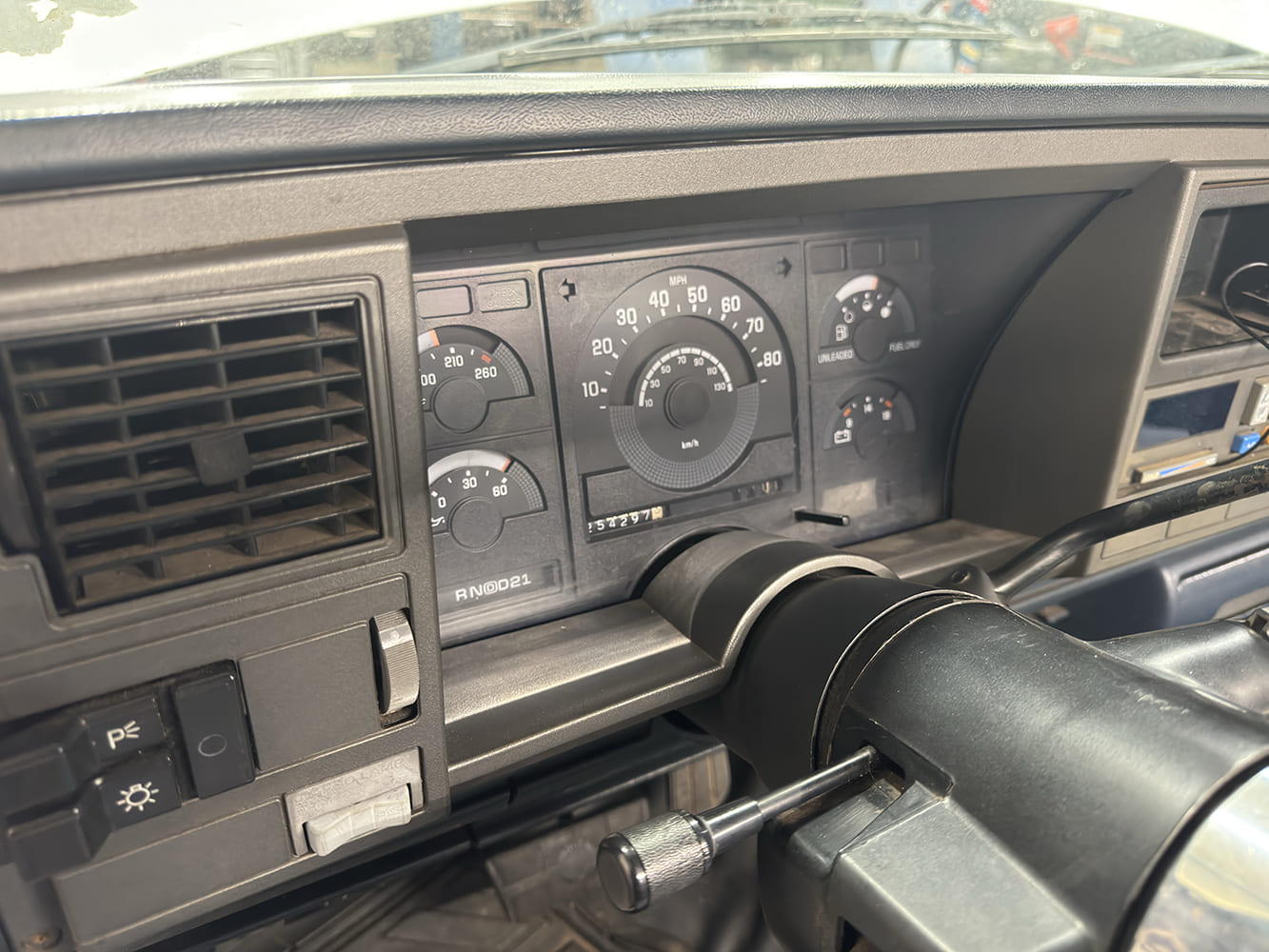
The original dash cluster before removal. This mule had racked up over a quarter million miles, so it was time for a major upgrade. Surprisingly, all the factory gauges still functioned.
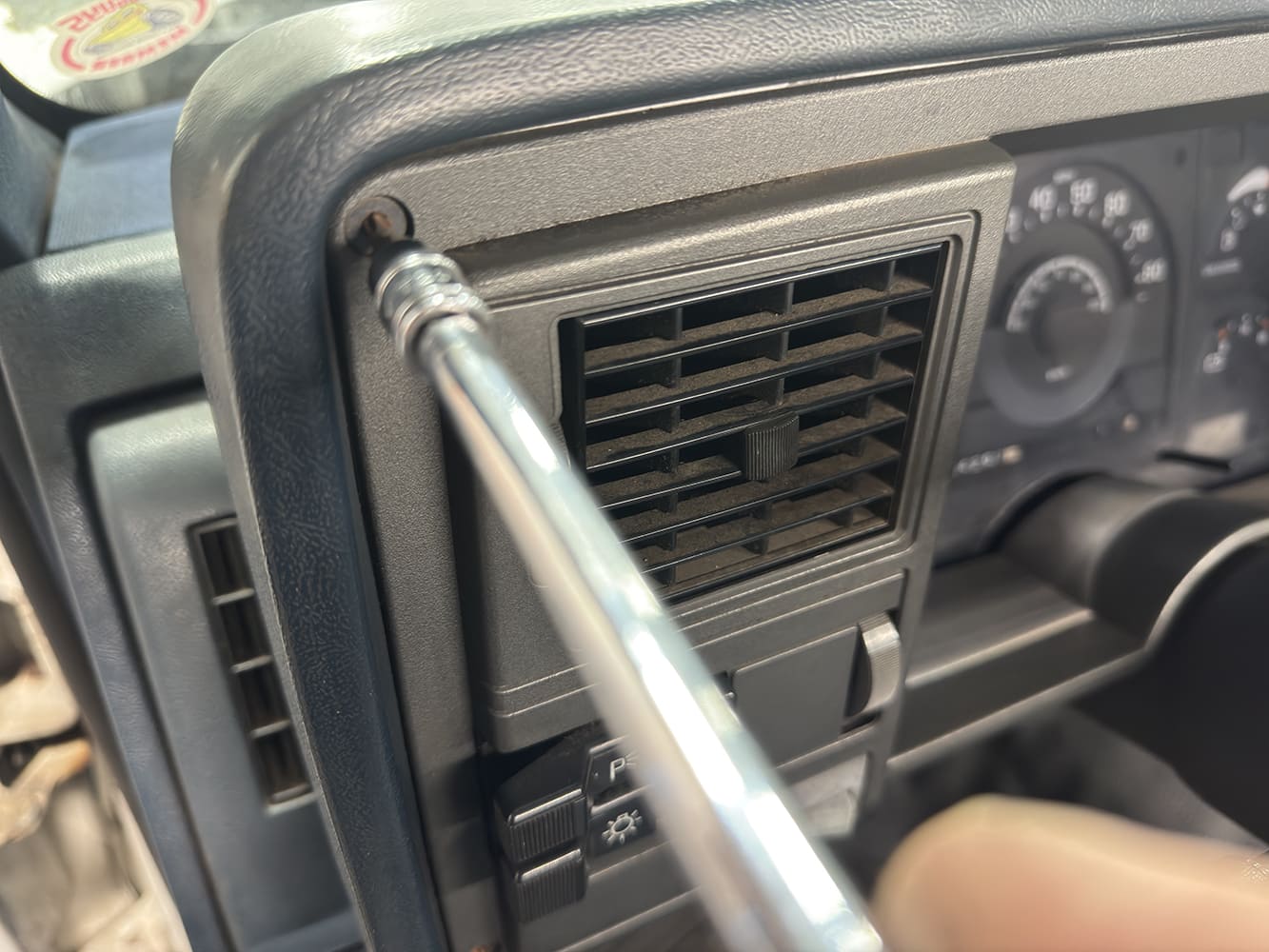
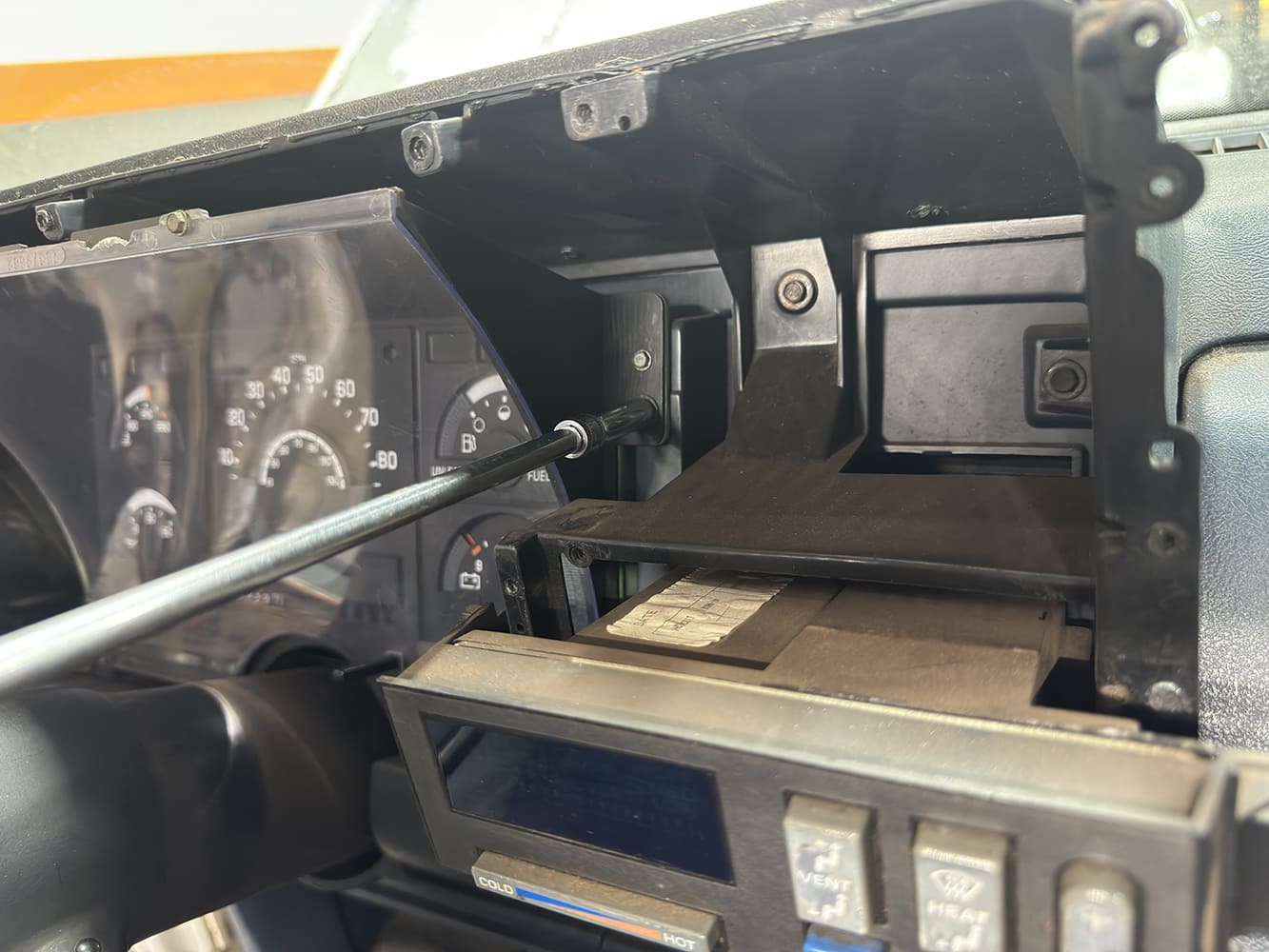
Removing the old dash bezel requires a Torx bit and finesse. The plastic is old and breaks easily.
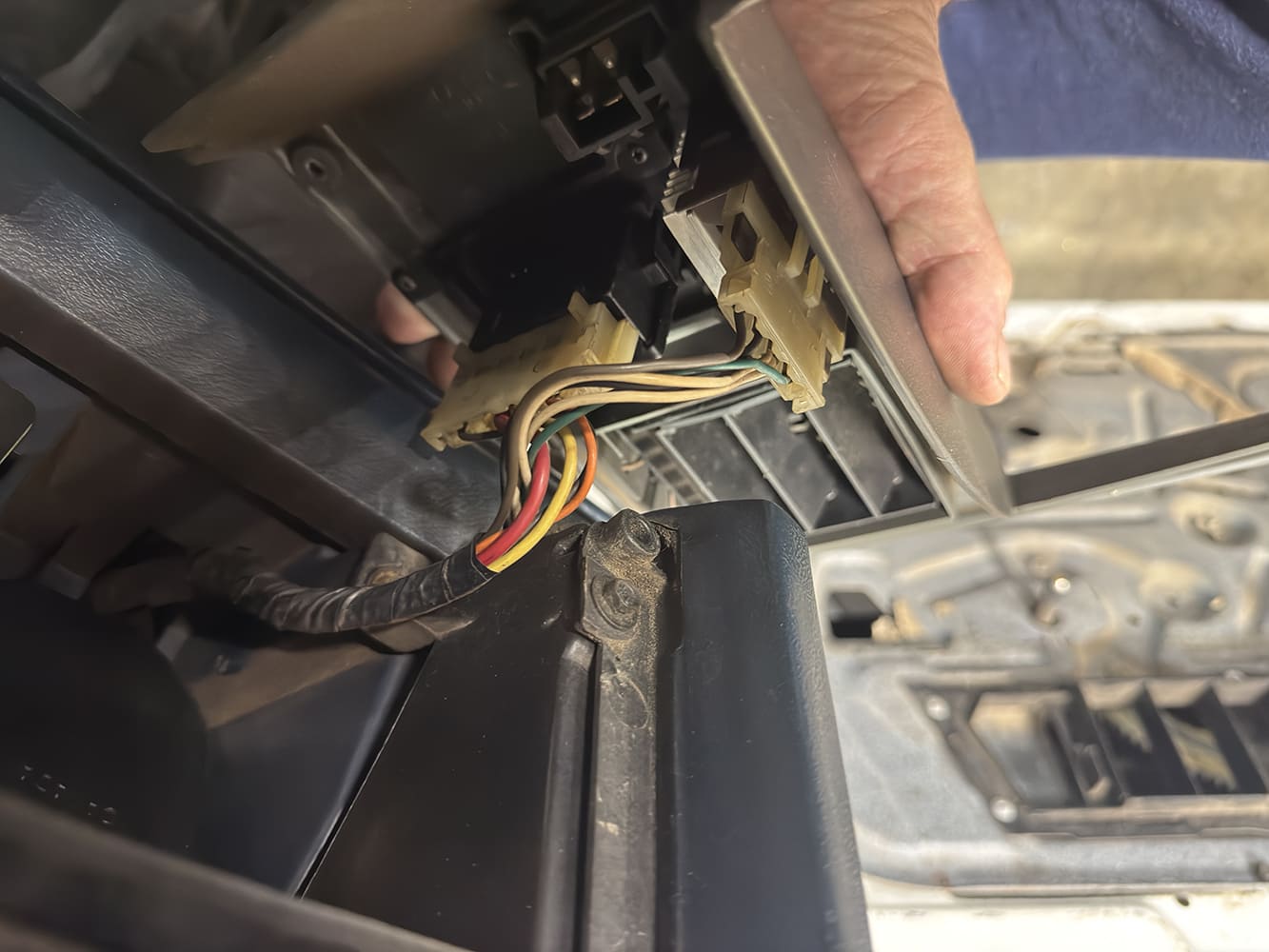
Removing the headlamp switch panel exposes the connector so the switch can be unplugged and set aside.
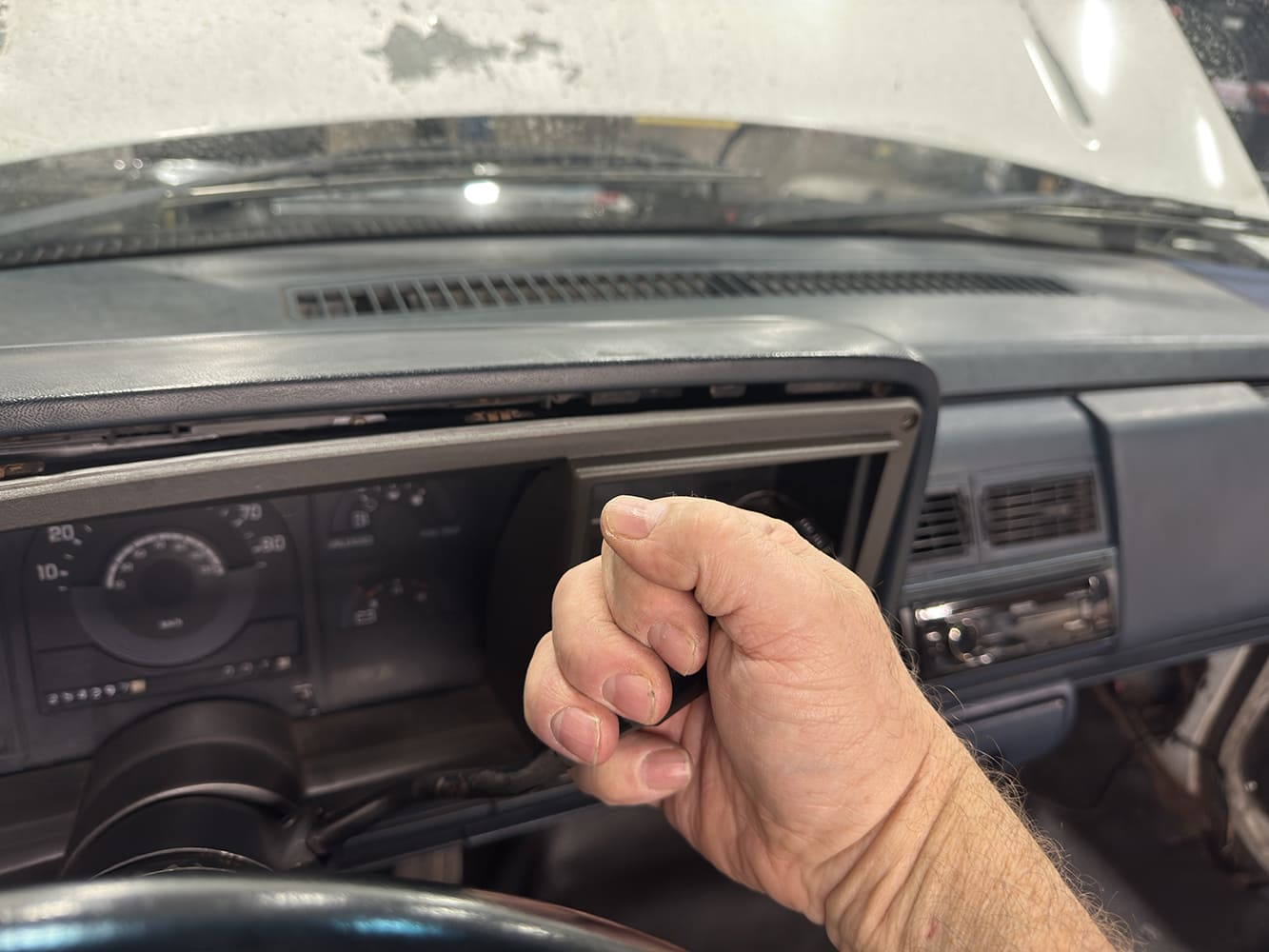
Once the screws are removed, shifting the transmission into low gear allows the dash bezel to slide out past the steering column.
Four screws requiring a 7mm socket hold the cluster in place. These will be reused to install the RTX cluster.
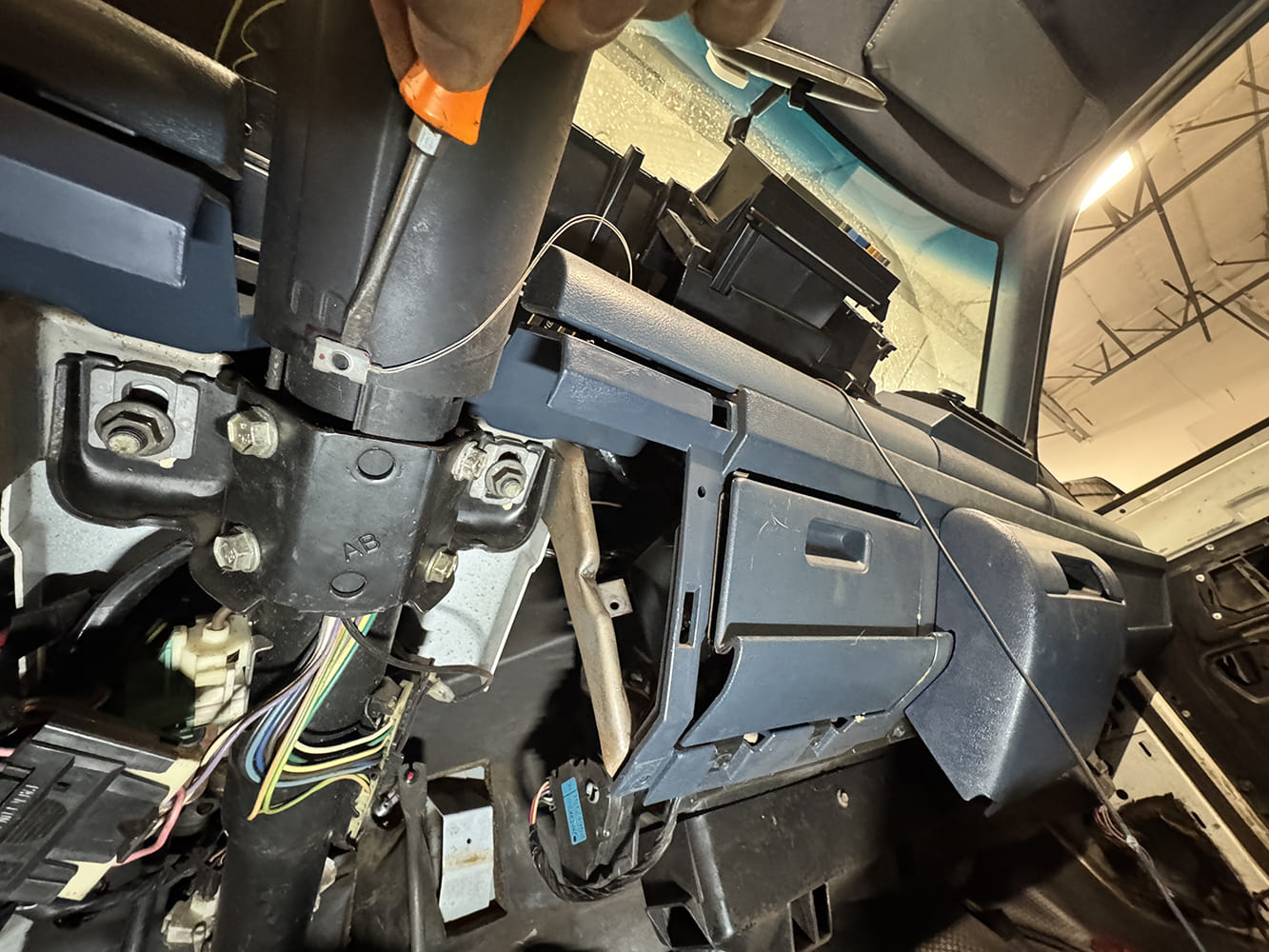
The factory shift-indicator cable attaches to the steering column. A gentle pry with a screwdriver releases it. This piece is discarded. Dakota Digital’s optional GSS-3000 module will replace it.
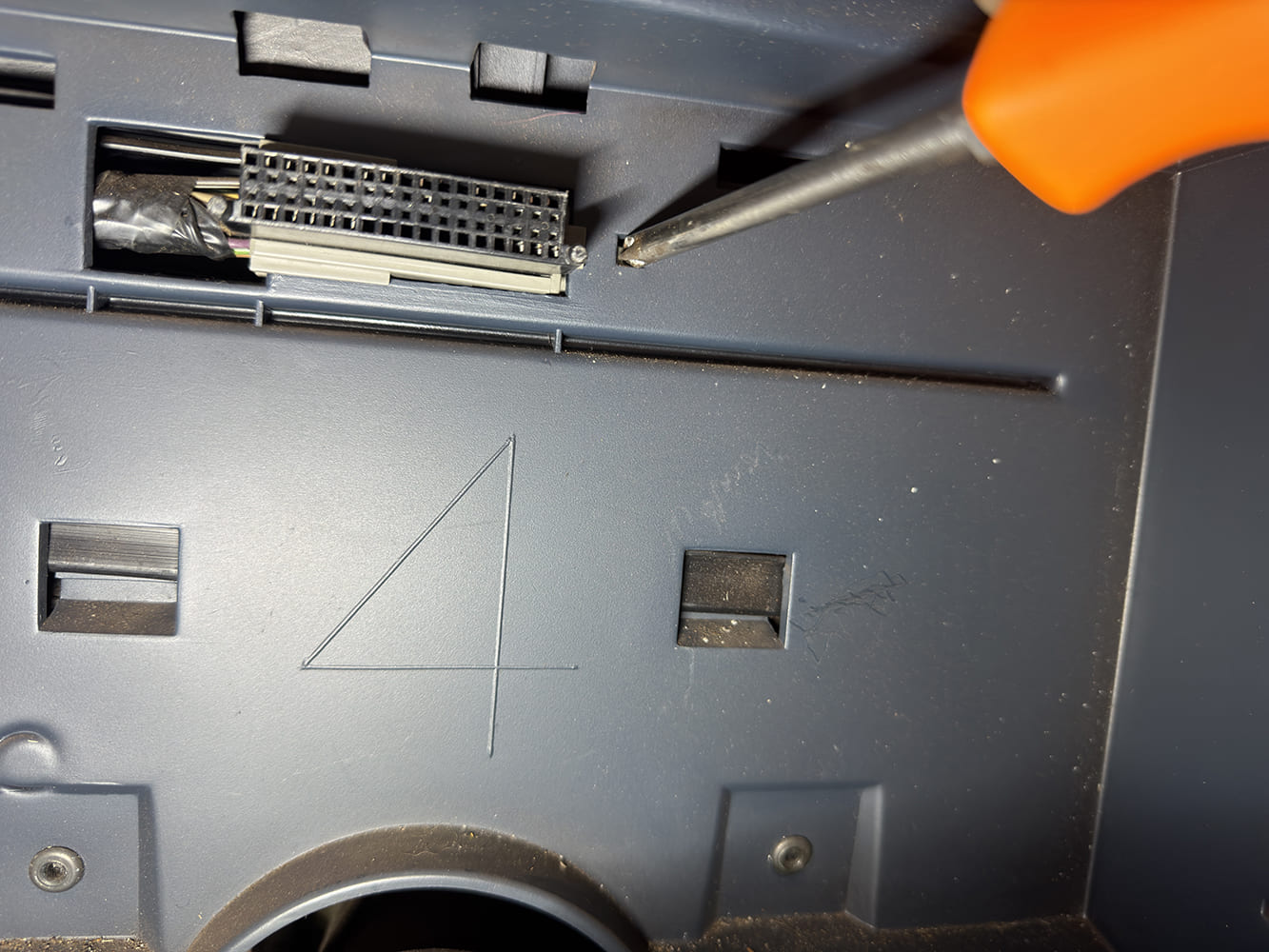
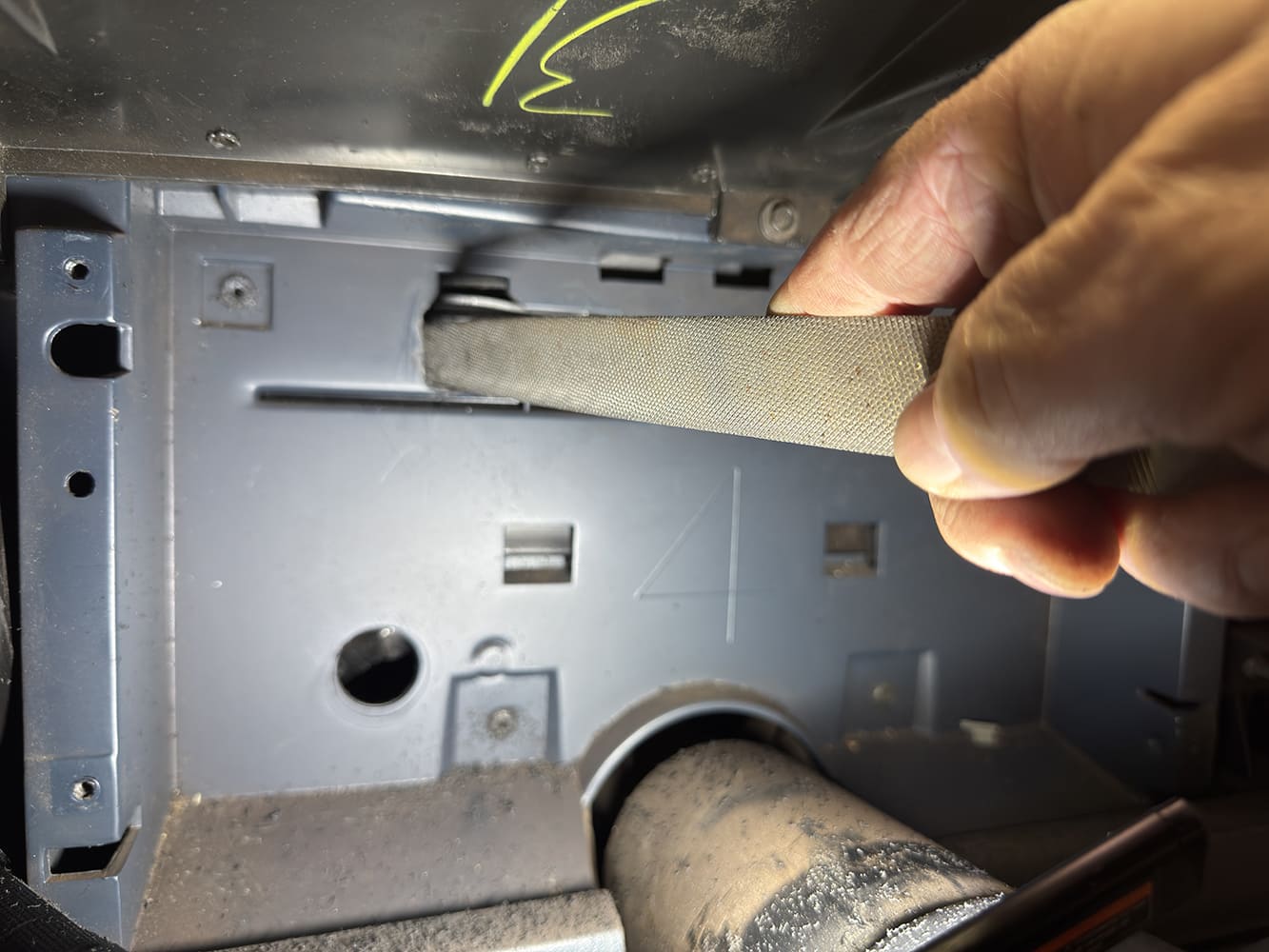
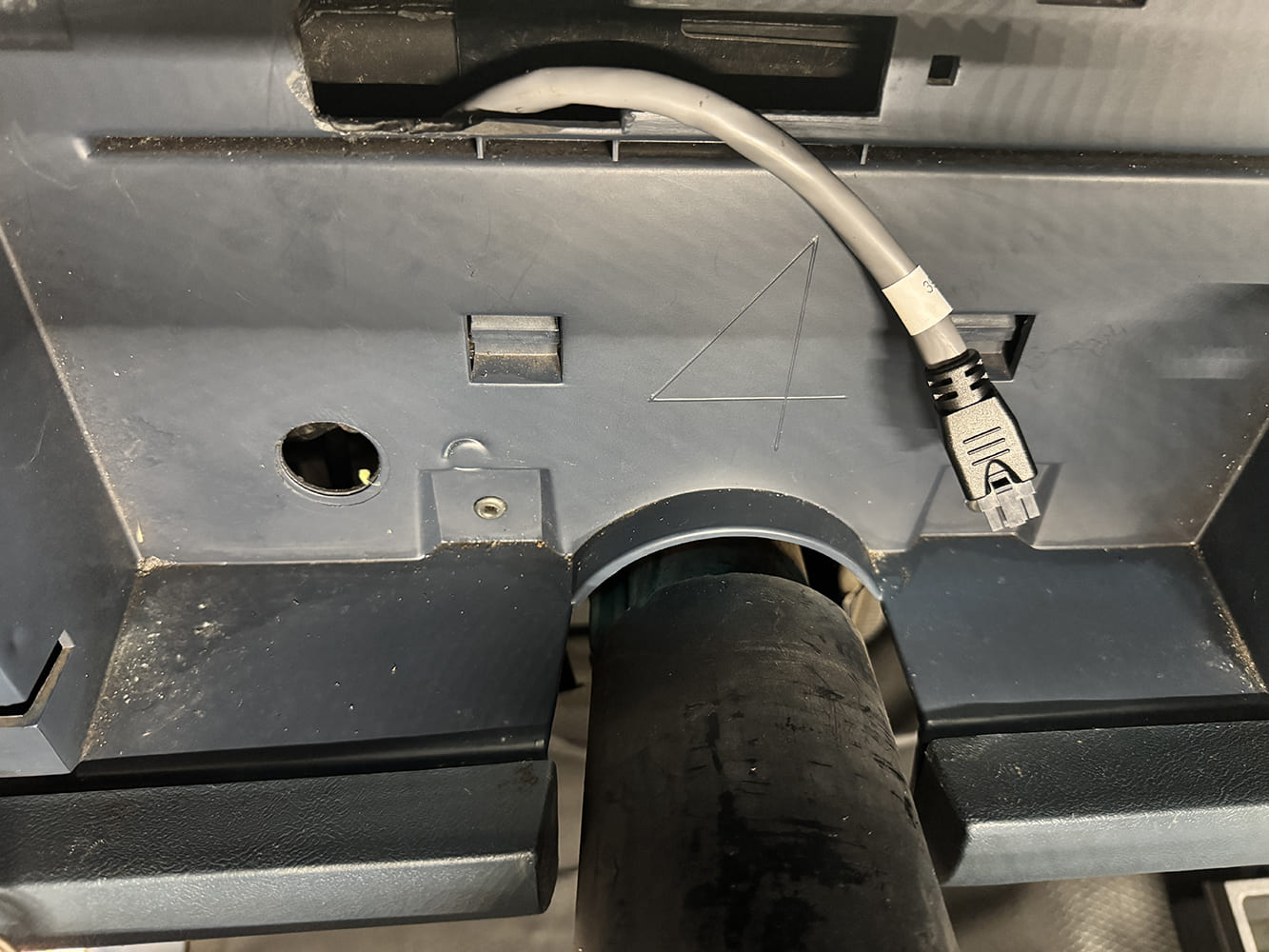
The stock cluster plug is removed by pushing in the release tab.The wiring harness hole must be enlarged. Dakota Digital provides excellent instructions for the required modifications.
Once the hole is modified, the data cable is routed down below the steering column.
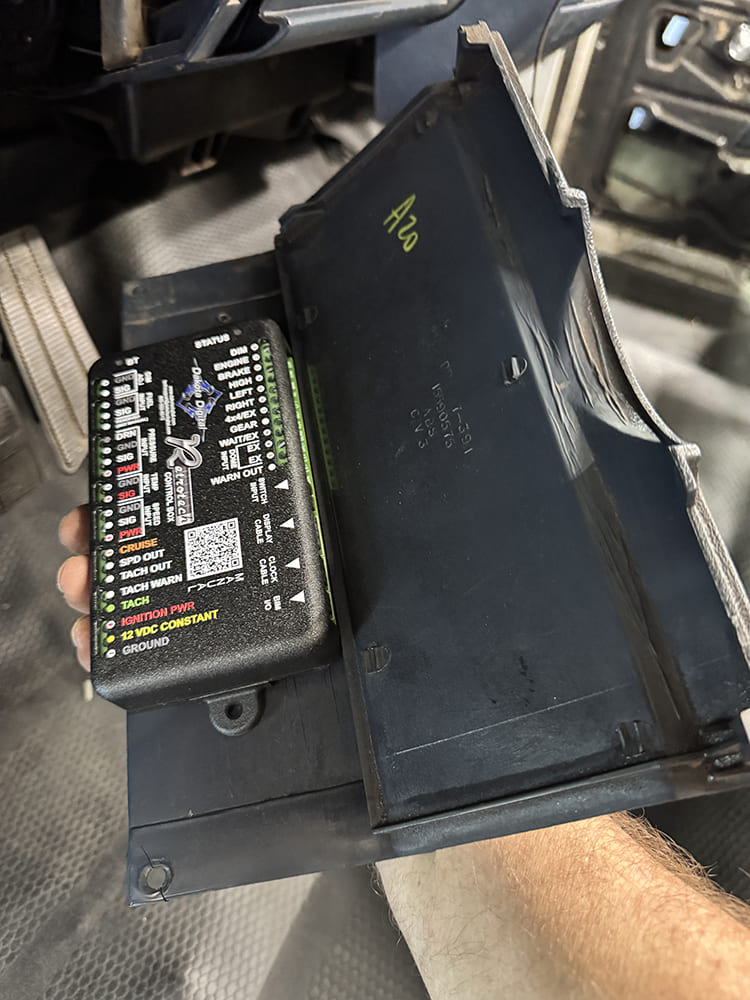
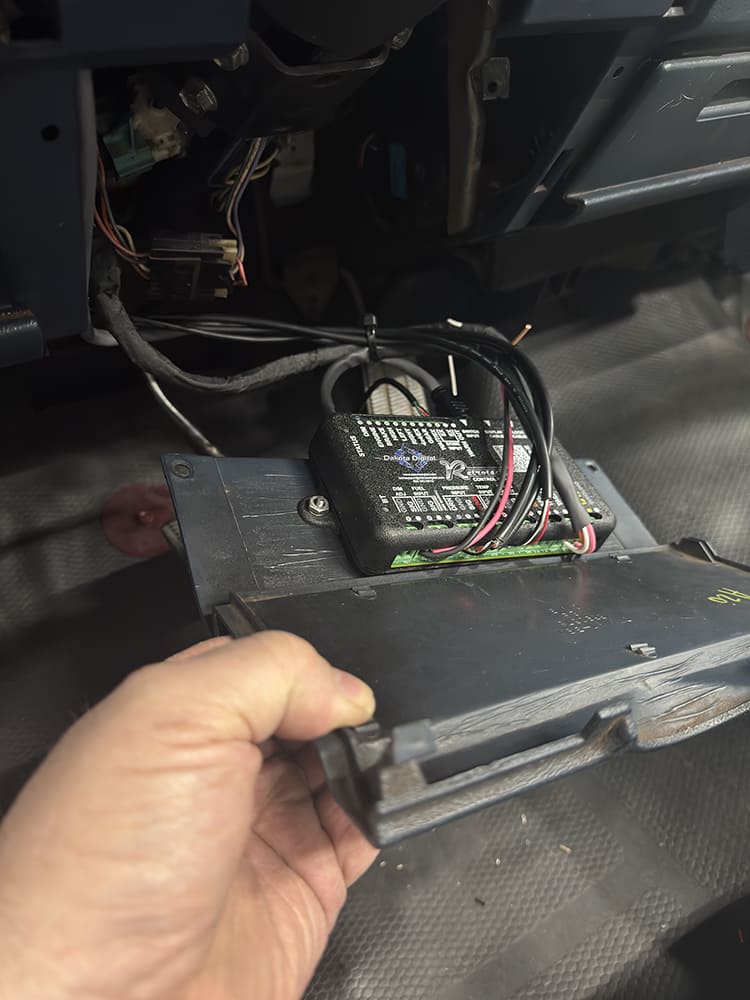
The lower steering column cover makes an excellent location to mount the RTX control unit while still allowing easy access for later add-ons.
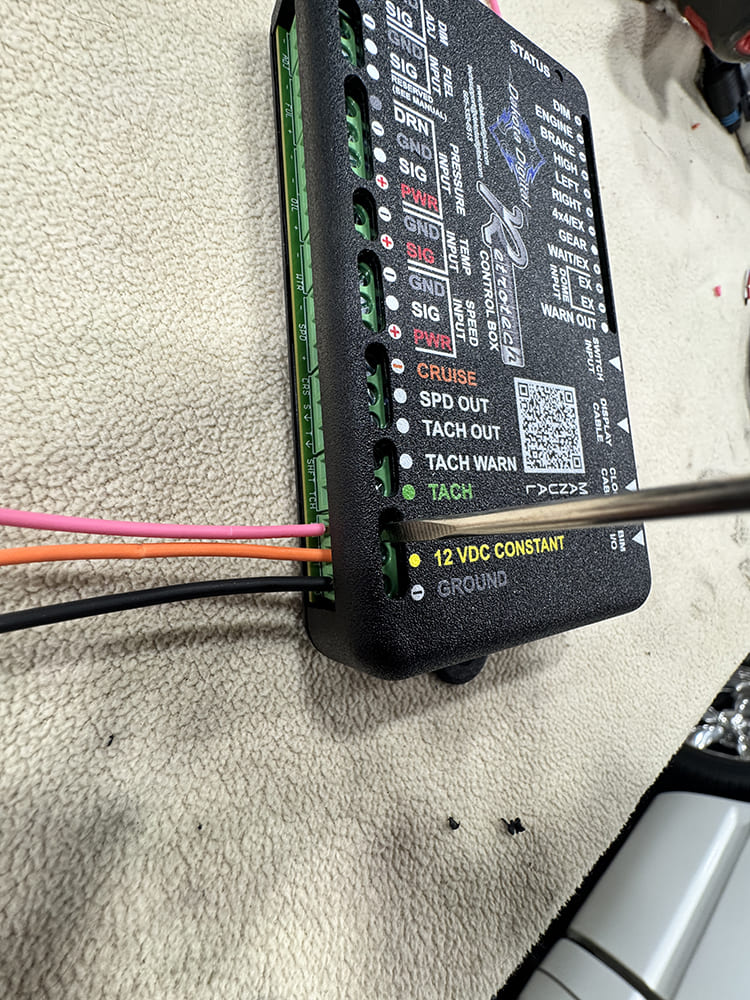
Constant power, ground, and keyed power are tied into the factory harness. A small screwdriver is required to lock down the terminals. Be careful not to overtighten them.
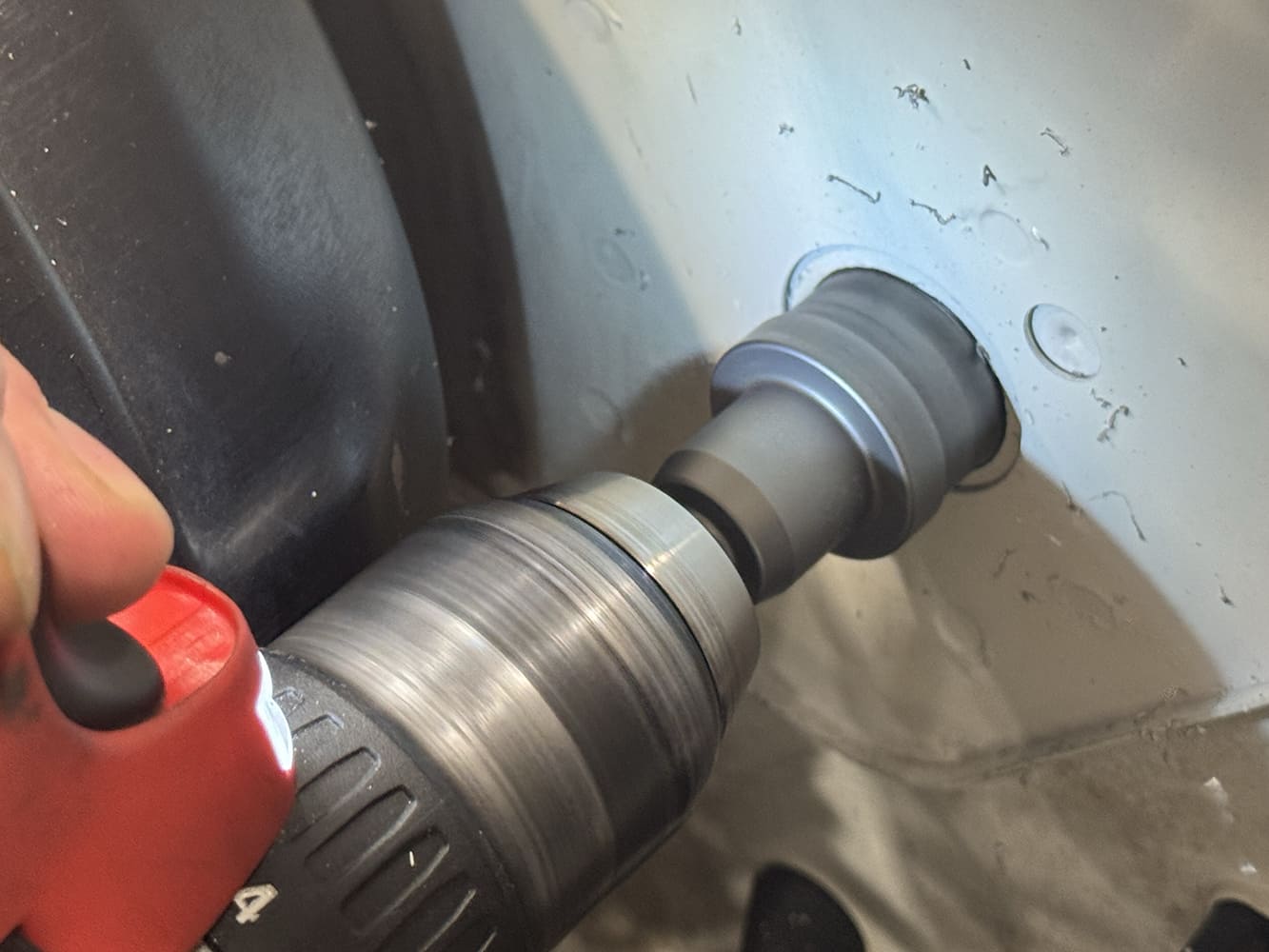
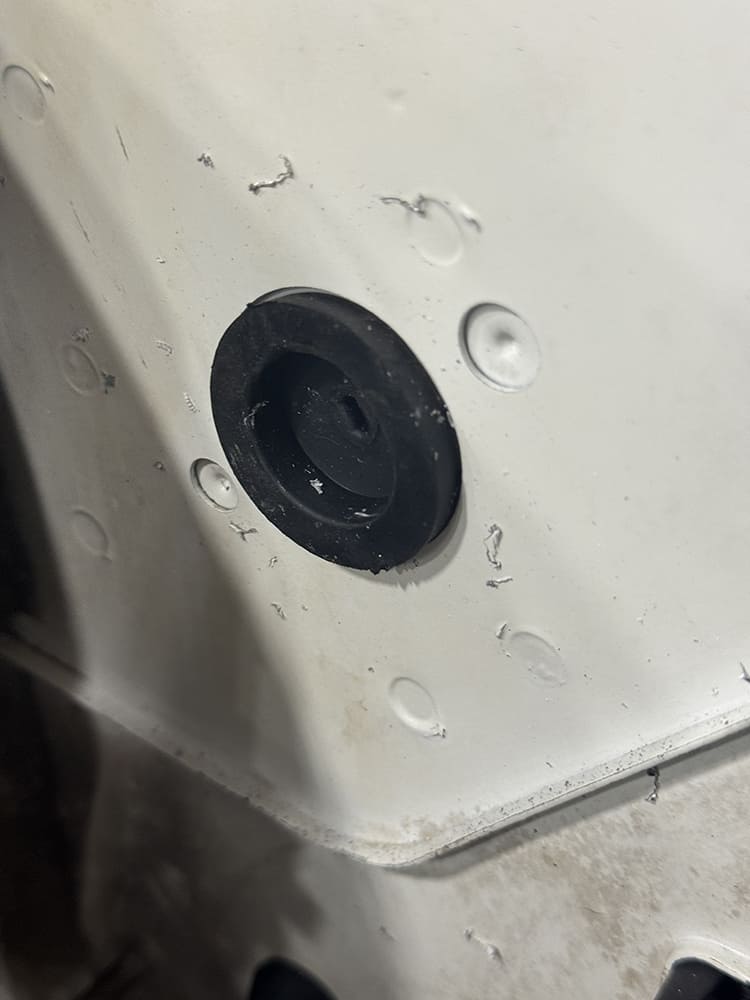
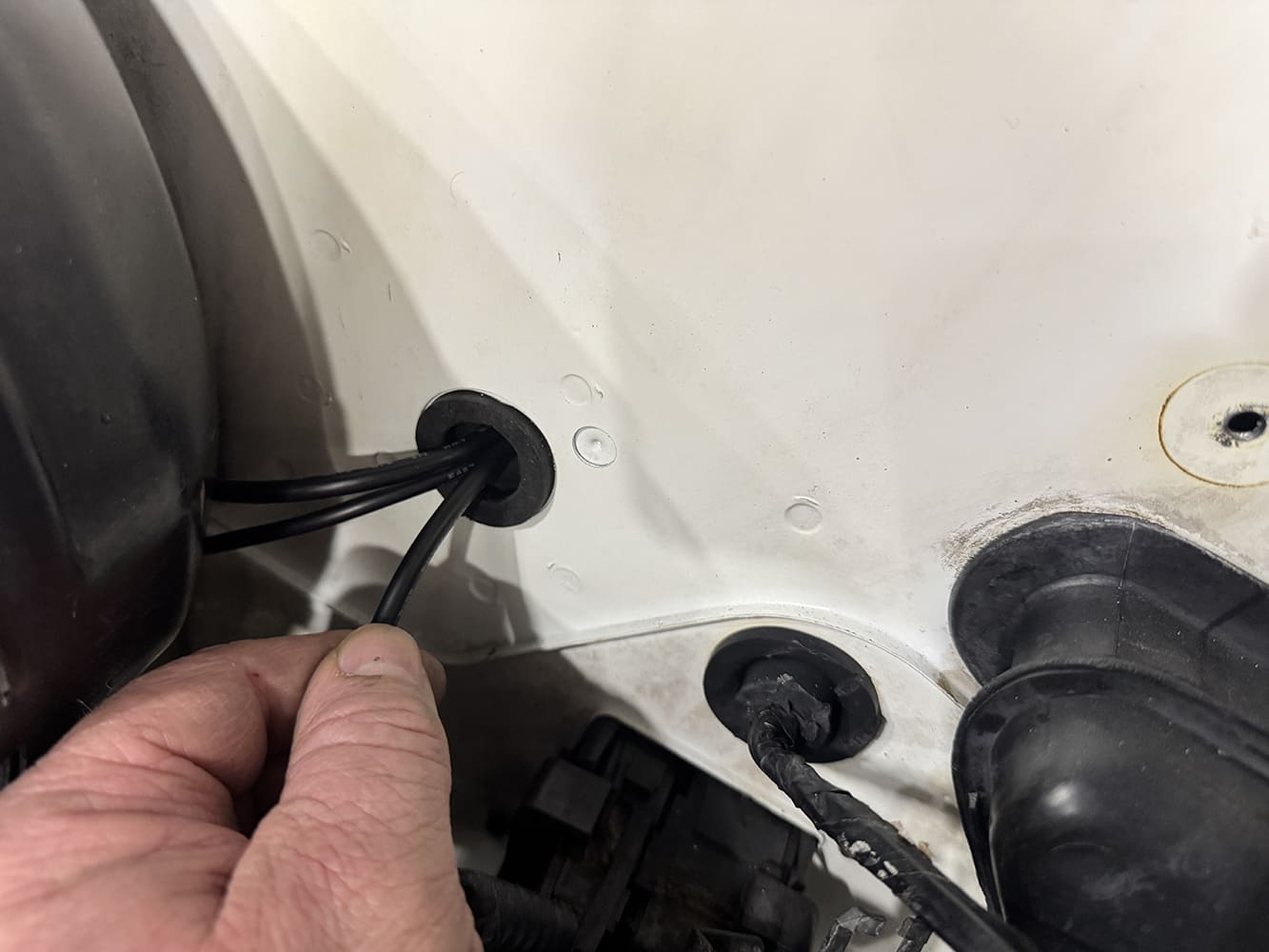
A firewall pass-through is required to run the sensor wires. If the truck is an automatic, the clutch-rod punch-out is an ideal location. A one-piece hole saw makes quick work of the task.
A grommet is required to protect the wires from damage caused by the sharp sheet metal edge.The factory oil pressure sensor is located near the distributor. It will be replaced with the supplied Dakota Digital sending unit.
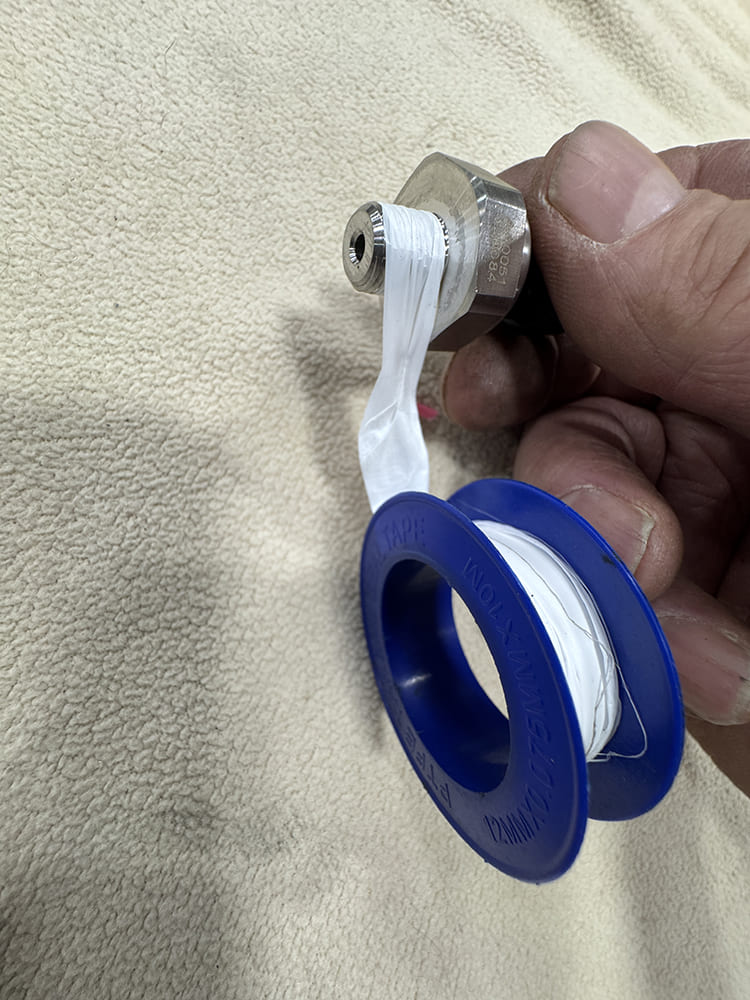
A little Teflon tape helps keep the oil and water sensors from leaking.
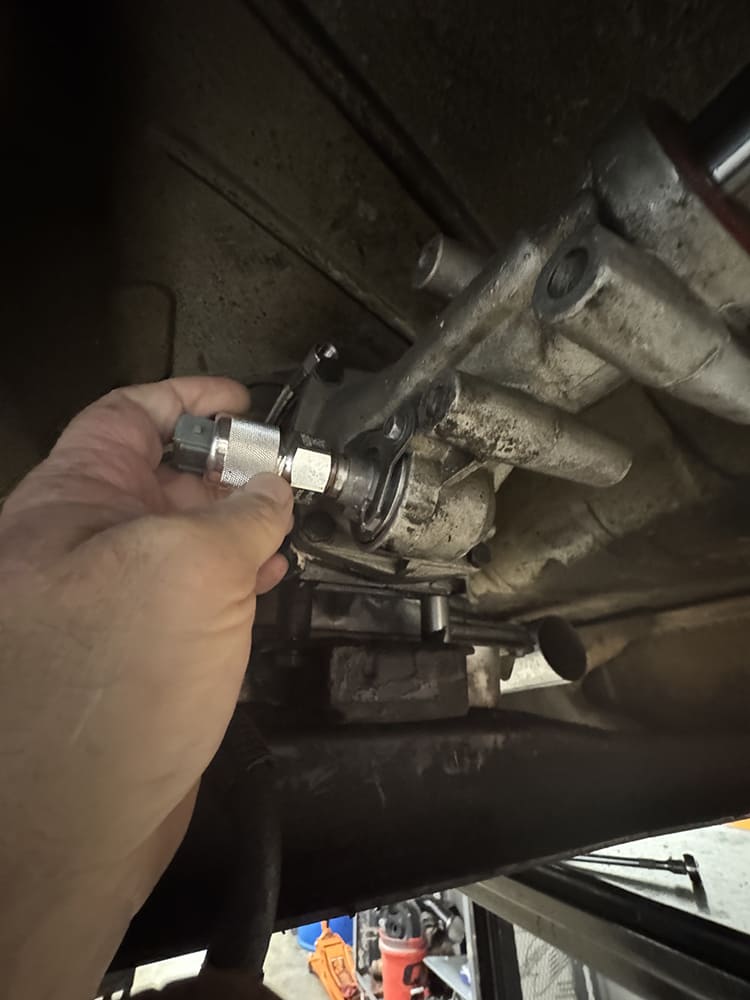
Factory OBS trucks used a two-wire electric speed sensor, and those wires can be accessed at the factory dash plug. Ours had been swapped to an early 4L60. Thankfully, Dakota Digital supplied the correct pickup to convert the cable drive to an electric output.
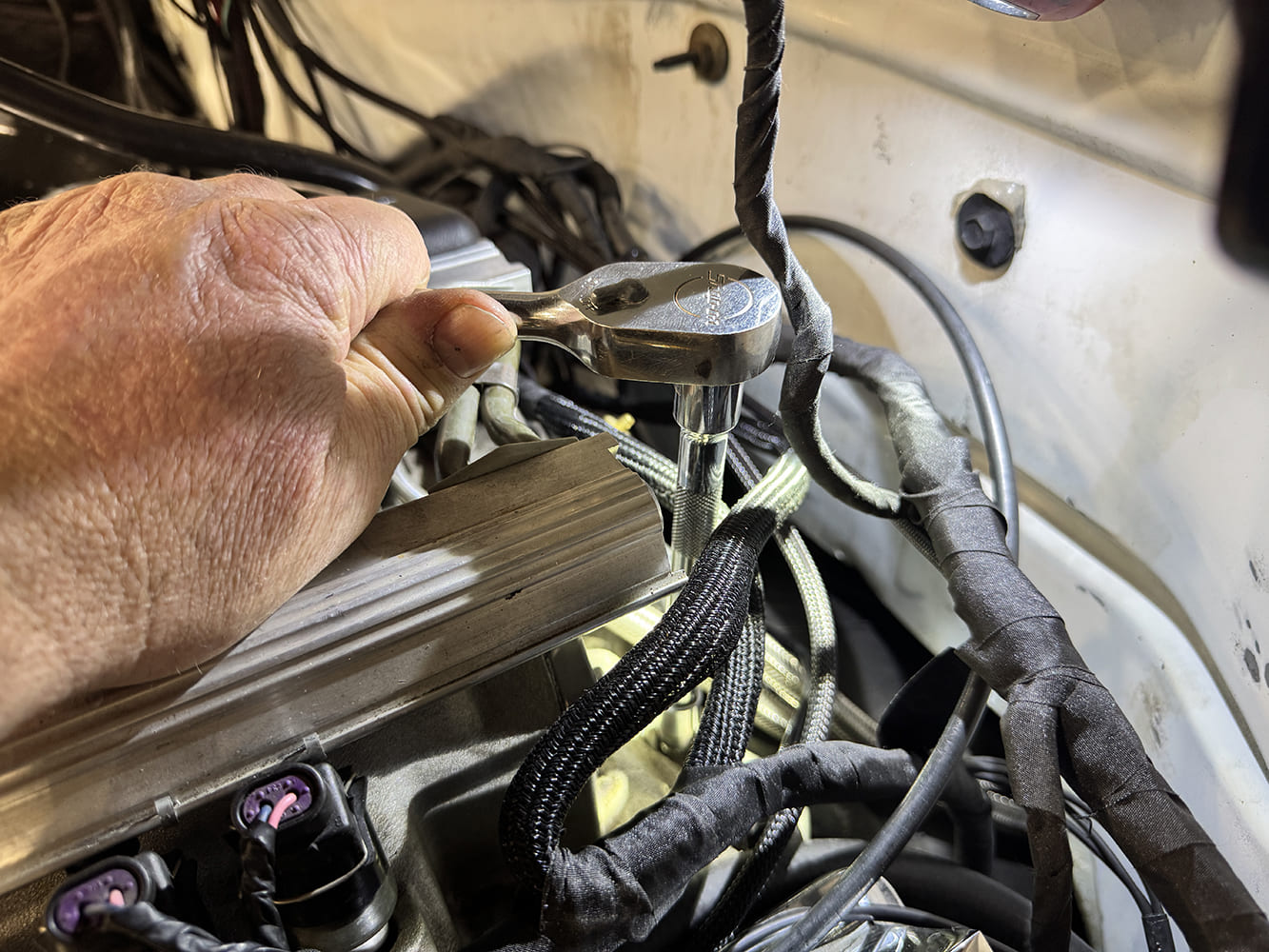
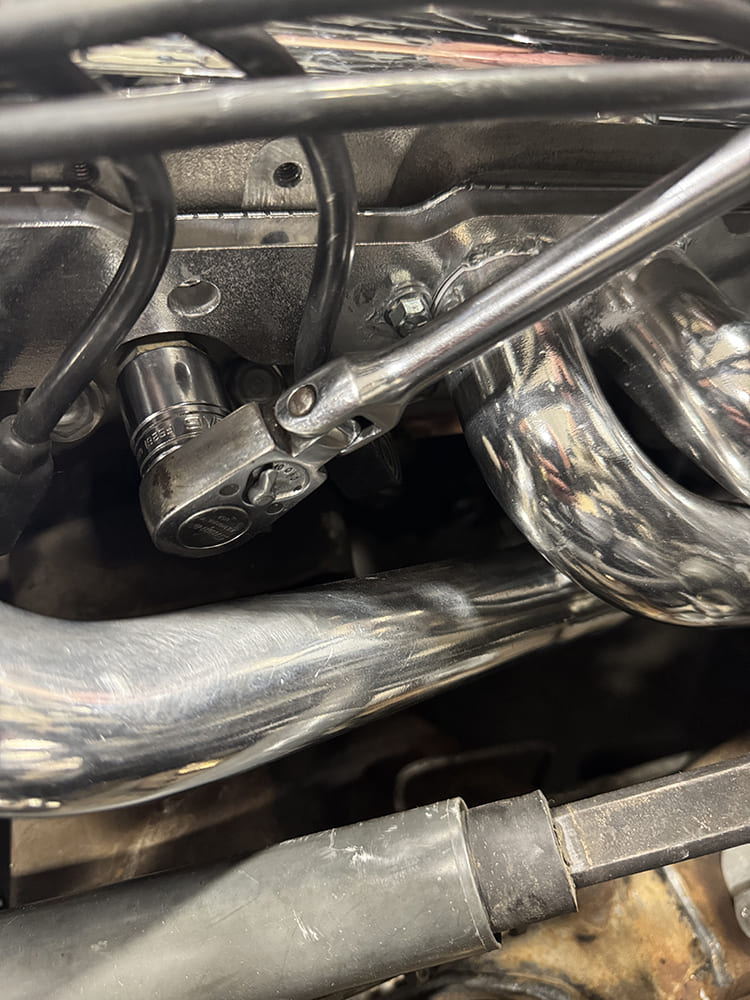
The coolant temperature sensor is located between the #1 and #3 spark plugs. Be sure to drain the coolant before installing the RTX sensor.
Once the sensors are installed, the feed wires are plugged in, routed away from heat sources, and passed through the firewall. Excess sensor wire is shortened for a clean installation.
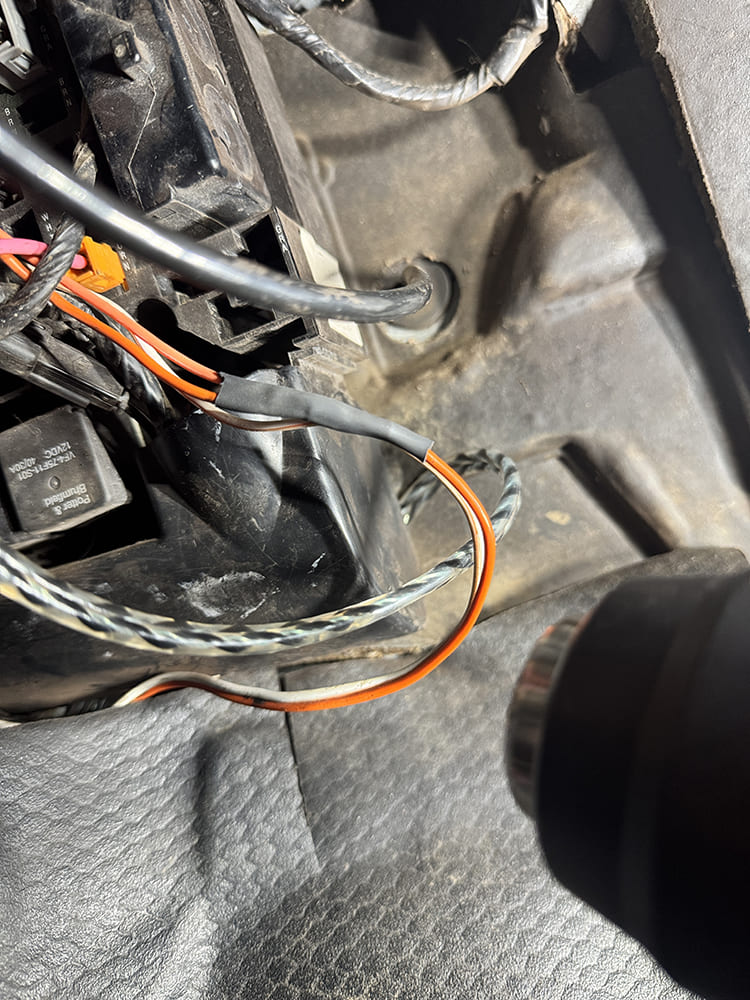
Finding a reliable battery power source can be difficult. The courtesy light circuit was used, and the connection was made with a secure connector and heat-shrink.
All wiring is routed with enough length to allow for easy service or future add-ons.
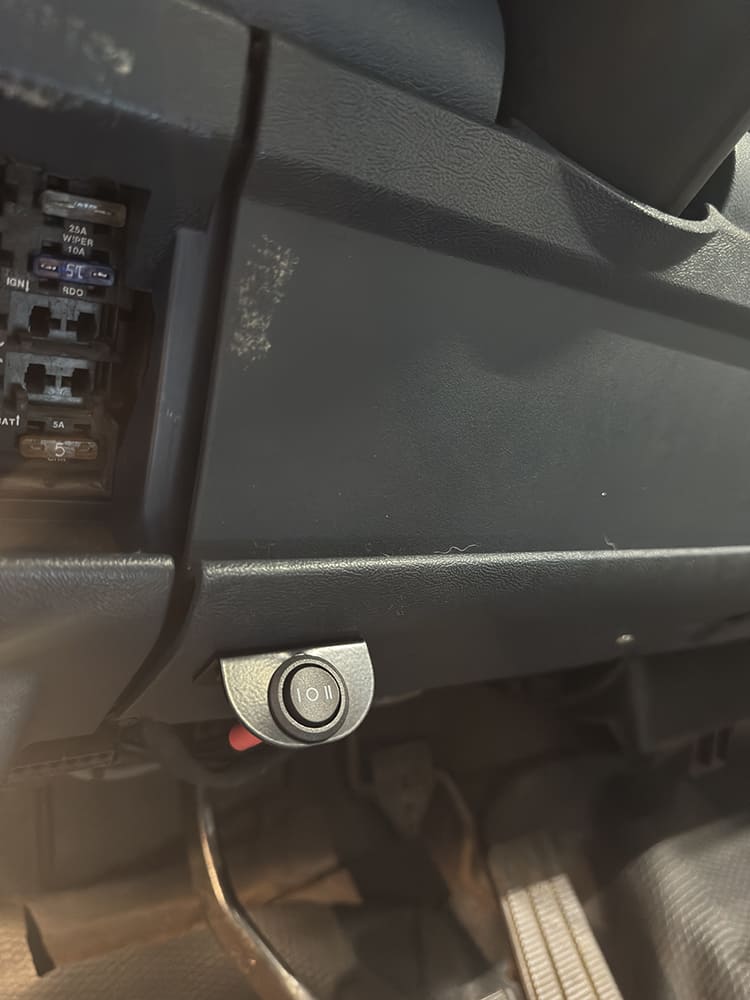
The Dakota Digital RTX kit includes a rocker switch to control display modes. It is important to install it in a location that is easy for the driver to access.
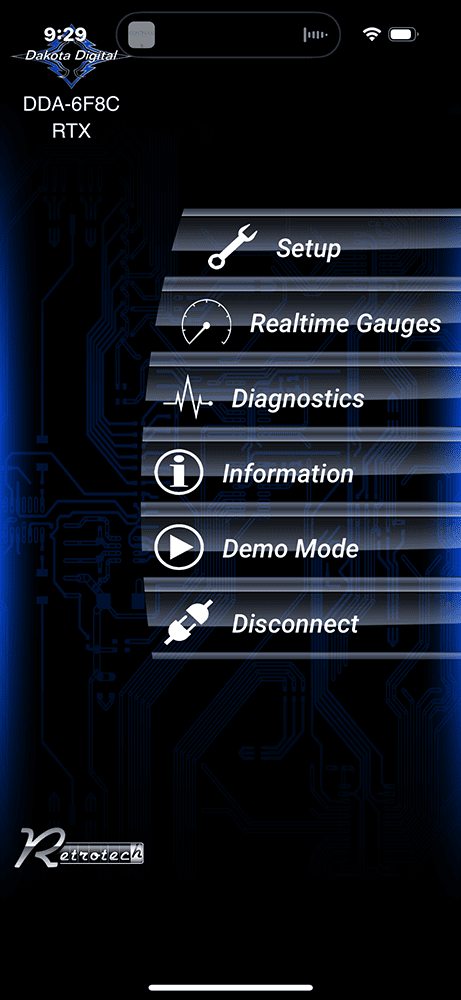
Once the installation is complete, reconnect battery power. Then it is time to set up the gauge functions and personalize the display features and colors.
Dakota Digital offers a Bluetooth-enabled app that makes dash setup quick and easy. We walked through the prompts to calibrate the gauges and select the display colors.
We use cookies to ensure that we give you the best experience on our website. If you continue to use this site we will assume that you are happy with it.